> ## Documentation Index
> Fetch the complete documentation index at: https://traceroot.ai/docs/llms.txt
> Use this file to discover all available pages before exploring further.
# Root Cause Analysis
> How the AI agent identifies the root cause of failures in your traces
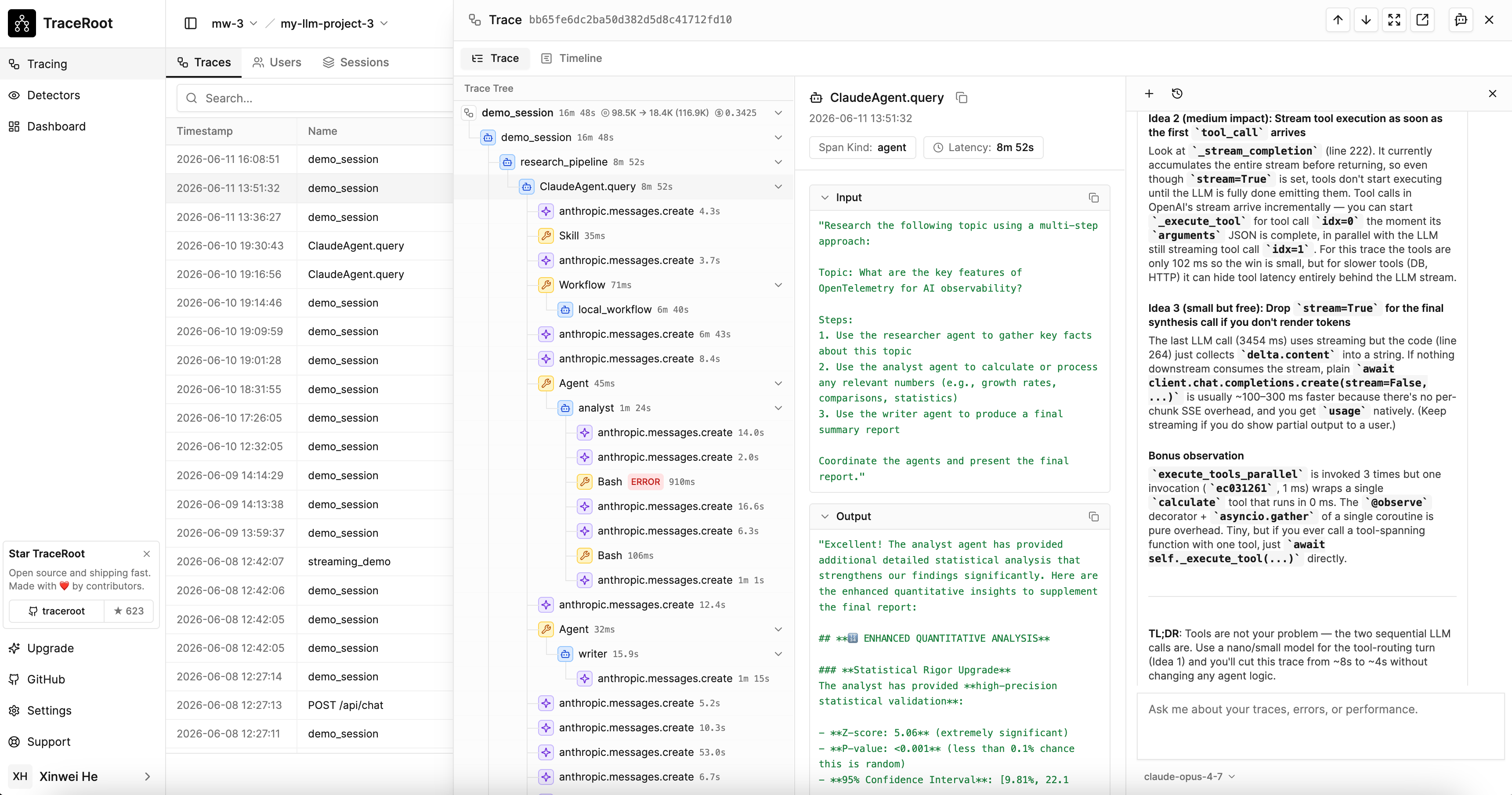
When a trace contains errors, the AI agent finds the root cause by looking at trace data, prod source code and GitHub activities. Requires setting up [GitHub Integration](/ai-agent/github-integration).
 ## How It Works
1. **Examine the trace** — reviews error spans, call hierarchy, input/output data, and timing
2. **Clone the repo** — clones your repository at the relevant commit into an isolated sandbox
3. **Read the prod source code** — reads the exact file and line captured in the span attributes
4. **Identify the root cause** — correlates trace data with source code and explains what went wrong
## Sandbox Isolation
The agent runs in a fully isolated sandbox — it can read trace data and clone your source code, but cannot access your production databases, APIs, or infrastructure.
## How It Works
1. **Examine the trace** — reviews error spans, call hierarchy, input/output data, and timing
2. **Clone the repo** — clones your repository at the relevant commit into an isolated sandbox
3. **Read the prod source code** — reads the exact file and line captured in the span attributes
4. **Identify the root cause** — correlates trace data with source code and explains what went wrong
## Sandbox Isolation
The agent runs in a fully isolated sandbox — it can read trace data and clone your source code, but cannot access your production databases, APIs, or infrastructure.