> ## Documentation Index
> Fetch the complete documentation index at: https://traceroot.ai/docs/llms.txt
> Use this file to discover all available pages before exploring further.
# Users
> Associate traces with specific users
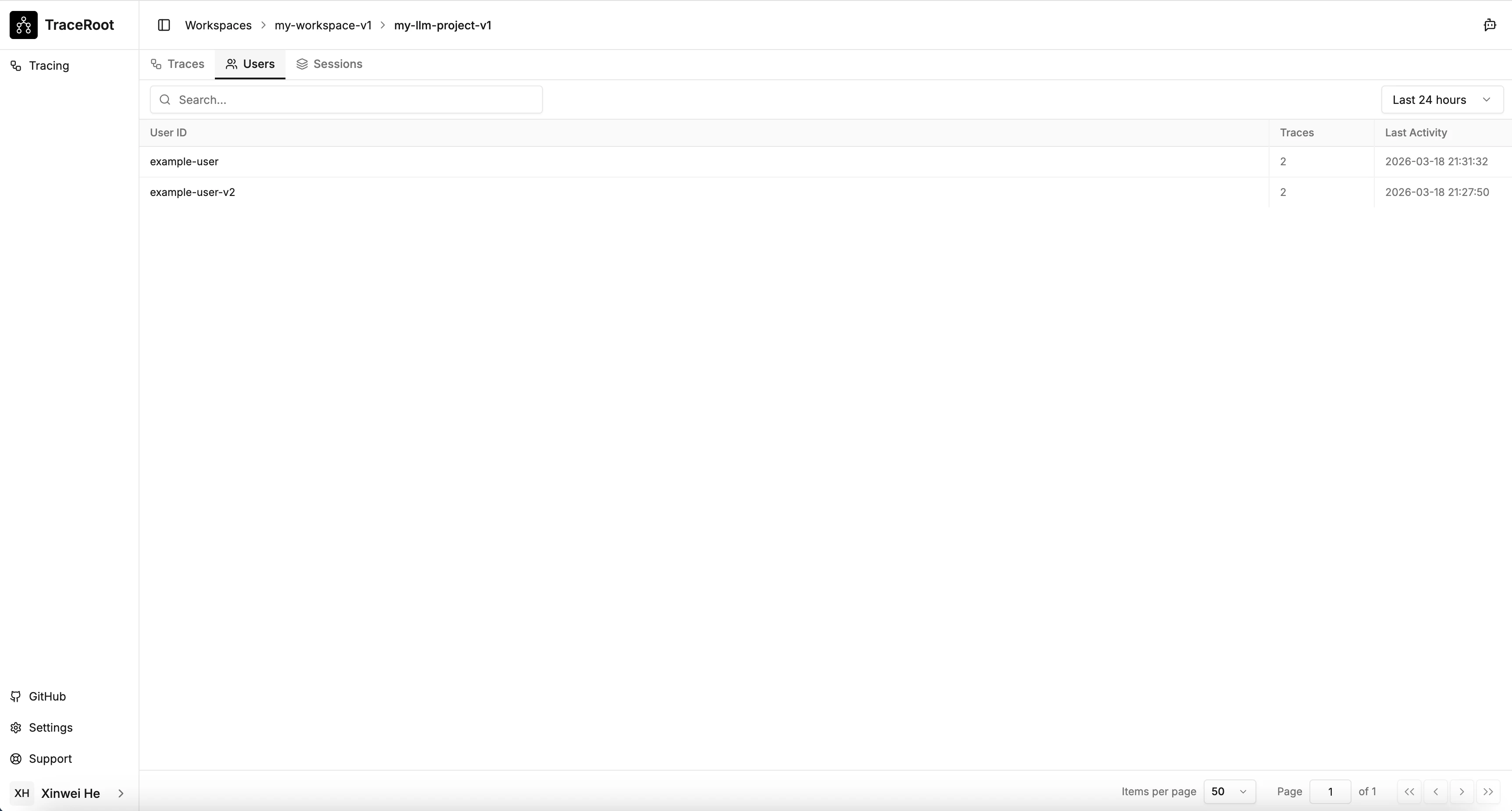
Set a **User ID** on a trace to associate it with a specific user — enabling per-user filtering, cost tracking, and analytics in the dashboard.
 ## Using `using_attributes` / `usingAttributes`
Propagate a User ID to all traces within a block:
```python theme={null}
from traceroot import using_attributes
with using_attributes(user_id="user-42"):
response = agent.run("What's the weather in SF?")
```
```typescript theme={null}
import { usingAttributes } from '@traceroot-ai/traceroot';
await usingAttributes({ userId: 'user-42' }, async () => {
await agent.run("What's the weather in SF?");
});
```
## Using `observe` / inside a function
Call `update_current_trace` / `updateCurrentTrace` from within any observed function:
```python theme={null}
from traceroot import observe, update_current_trace
@observe(name="handle_request", type="agent")
def handle_request(query: str, user_id: str):
update_current_trace(user_id=user_id)
return process(query)
```
```typescript theme={null}
import { observe, updateCurrentTrace } from '@traceroot-ai/traceroot';
async function handleRequest(query: string, userId: string) {
return observe({ name: 'handle_request', type: 'agent' }, async () => {
updateCurrentTrace({ userId });
return process(query);
});
}
```
## Using `using_attributes` / `usingAttributes`
Propagate a User ID to all traces within a block:
```python theme={null}
from traceroot import using_attributes
with using_attributes(user_id="user-42"):
response = agent.run("What's the weather in SF?")
```
```typescript theme={null}
import { usingAttributes } from '@traceroot-ai/traceroot';
await usingAttributes({ userId: 'user-42' }, async () => {
await agent.run("What's the weather in SF?");
});
```
## Using `observe` / inside a function
Call `update_current_trace` / `updateCurrentTrace` from within any observed function:
```python theme={null}
from traceroot import observe, update_current_trace
@observe(name="handle_request", type="agent")
def handle_request(query: str, user_id: str):
update_current_trace(user_id=user_id)
return process(query)
```
```typescript theme={null}
import { observe, updateCurrentTrace } from '@traceroot-ai/traceroot';
async function handleRequest(query: string, userId: string) {
return observe({ name: 'handle_request', type: 'agent' }, async () => {
updateCurrentTrace({ userId });
return process(query);
});
}
```