 Back to all updates
Turn traces into test cases
Build versioned datasets from production spans, evaluation runs or your SDK.
By  Hao Yan1 min read
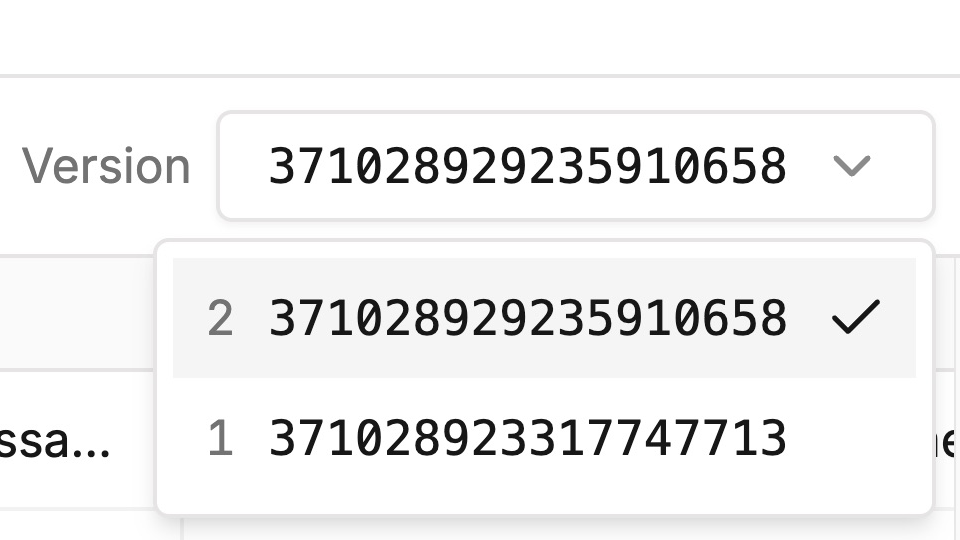
Datasets hold the cases your evaluations run against. Every change publishes a new version, so each run points at the exact cases it was scored on.
Add cases from wherever you find them:
- From a trace. Open a span and choose Add to datasets to save its input and output as a test case.
- From a run. Use Save as test case on a case in an evaluation run to save it back to its dataset.
- From code. Build a
Datasetin Python or TypeScript and push it, or letevaluatepublish it for you.
python
from traceroot import Dataset
from traceroot.eval import PlatformDatasetSync

ds = Dataset("Capitals QA", key="capitals-qa")
ds.add({"country": "France"}, expected="Paris")
ds.push(PlatformDatasetSync())
Open Datasets to browse versions.
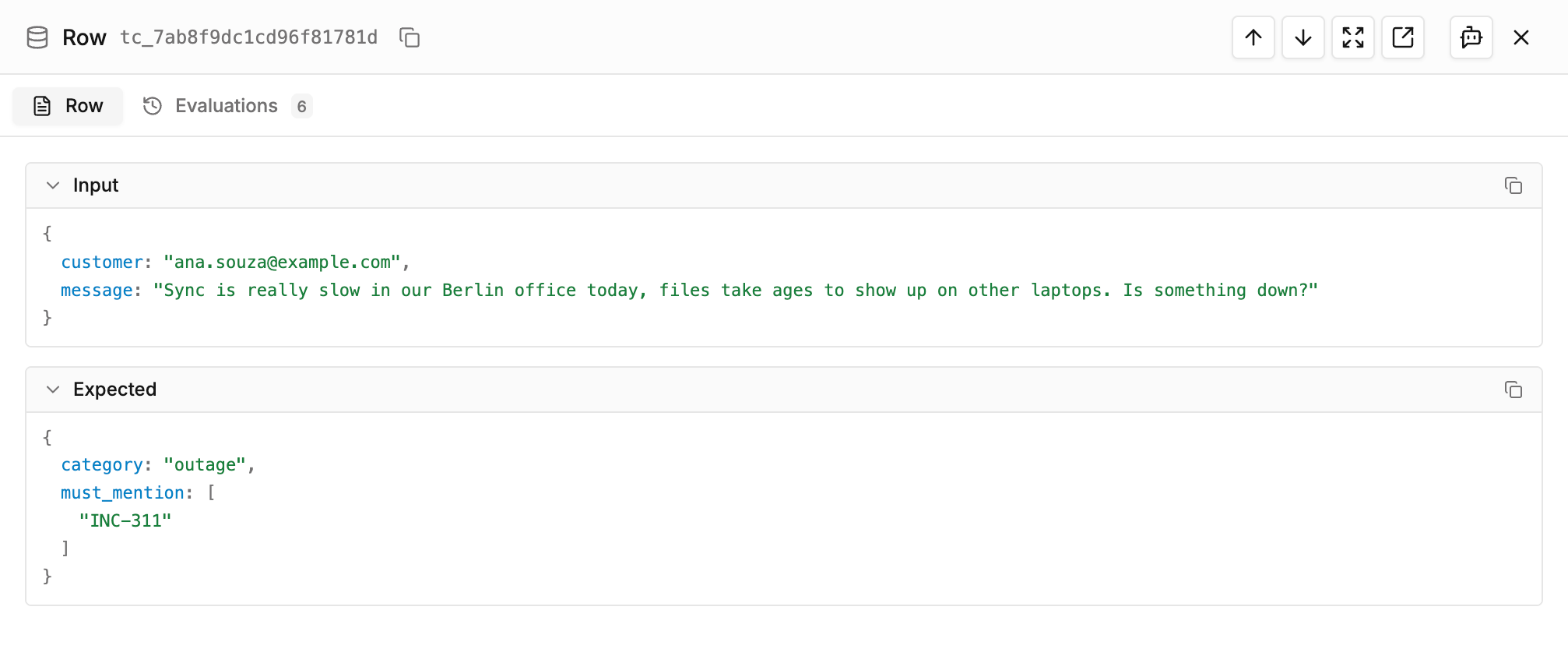
Open a case to see its input, its expected output and the runs that used it.
See datasets for saving, publishing and pulling them in code.