 Back to all updates
Use your own model for detector investigations
Automatic root cause analysis now uses the BYOK model and provider saved for your project.
Automatic detector investigations now use the BYOK model and provider saved for your project. Previously, some custom model selections could fall back to the default model instead.
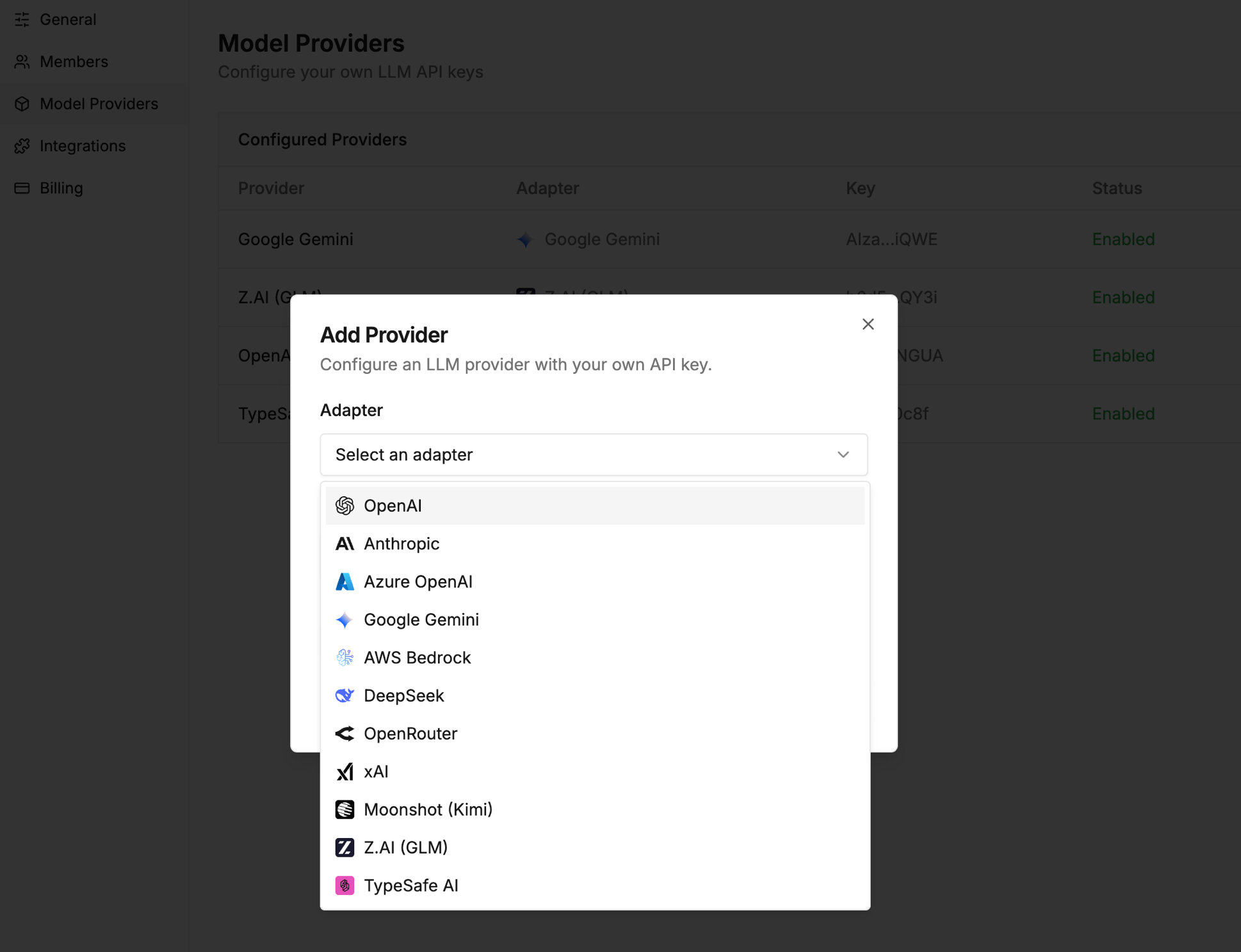
Add your provider in Workspace Settings, then select its model for root cause analysis in your project’s detector settings. This changes the model that investigates a finding; the detector’s screening model is configured separately, with options now including TypeSafe AI’s Jev.