Back to all updates
Read traces from your terminal
List recent traces, inspect a span tree and export trace context from the CLI.
The traceroot CLI lets you list recent traces, inspect their span trees and export trace context without opening the dashboard.
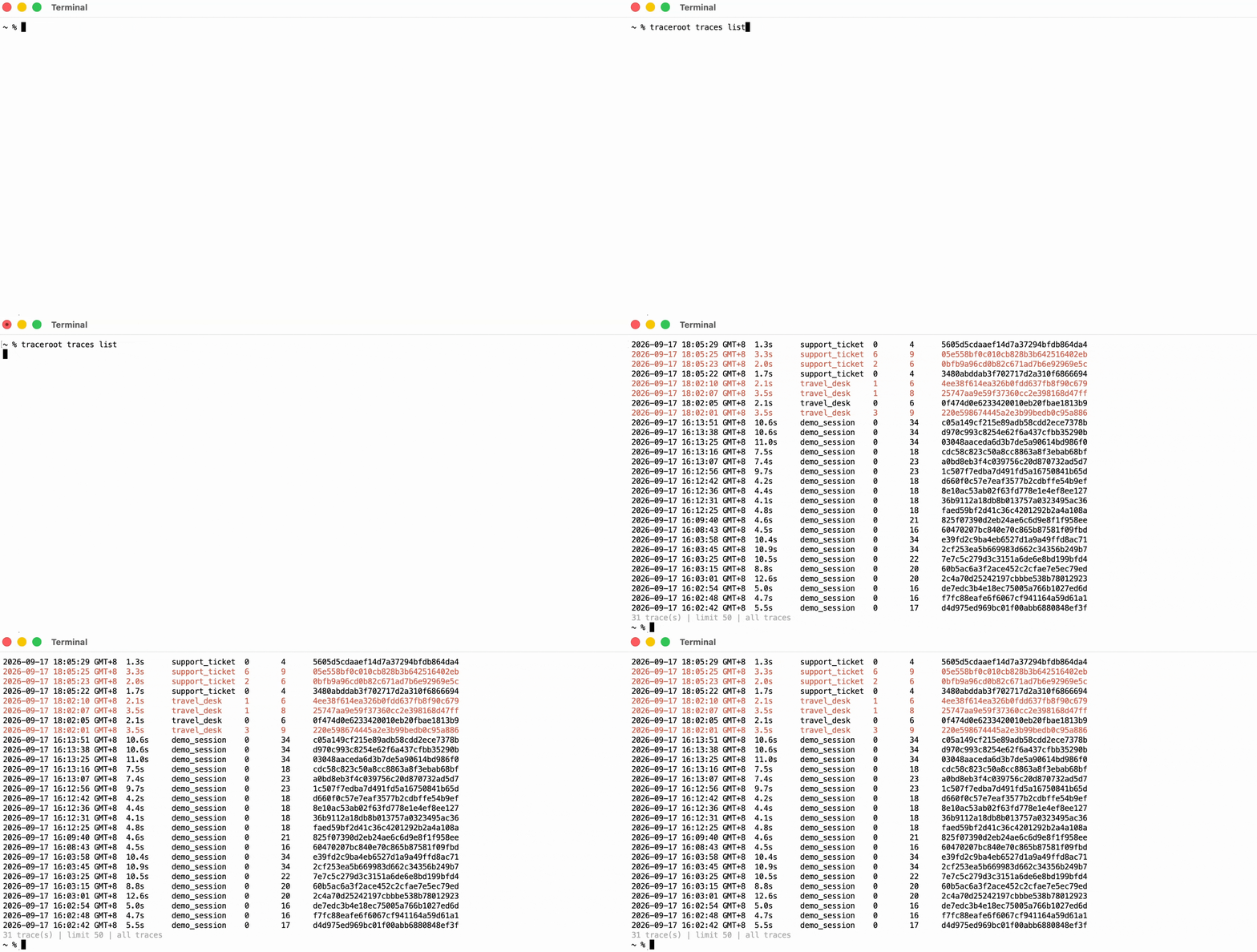
After setting up the CLI with a project API key, start with traceroot traces list to find a run.
Use traceroot traces get <trace-id> to inspect its span tree, including model calls and tool steps.

Run traceroot traces export <trace-id> --output ./trace-context to save the trace bundle to a local folder for your coding agent.