

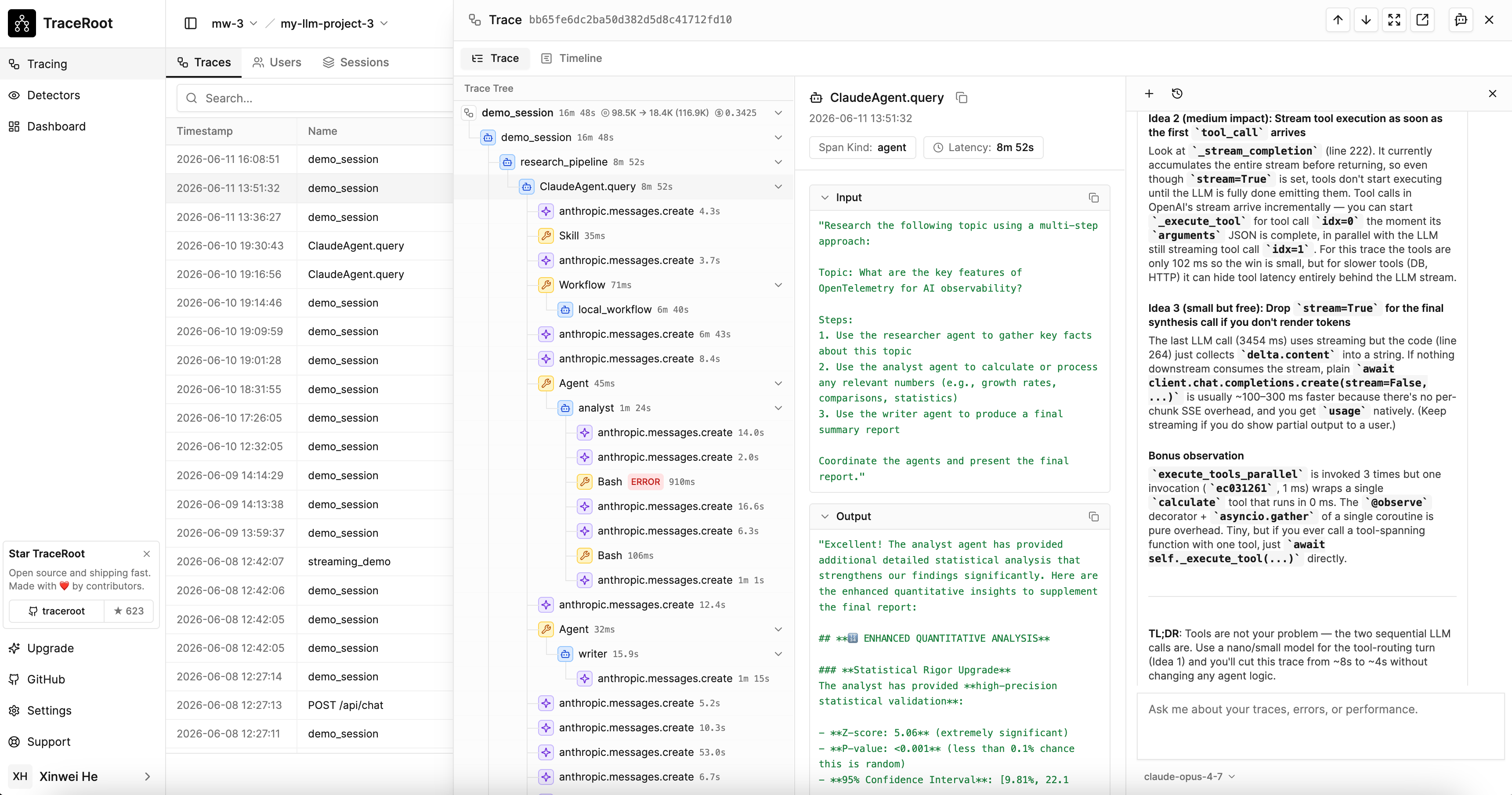
- Trace analysis — ask natural language questions about your traces, errors, and performance.
- Root cause analysis — the agent clones your prod repository and reads the exact file and line that failed.
- Automated fix PRs — After analyzing your traces, recent GitHub changes and point of failure, the agent writes a fix and opens a PR on GitHub for you to review.
- Parallel runs — launch multiple debugging sessions simultaneously to investigate different traces at once.
Where to start
GitHub Integration
Connect your repositories to enable source code access and PR creation.
BYOK
Use your own API keys to choose which model powers the agent.
Trace Analysis
Ask the agent questions about your traces in natural language.
Root Cause Analysis
Learn how the agent identifies the root cause of failures.