

Configure notifications
Open Project Settings → Detectors → Notifications. From there you can:- Add the email recipients for this project.
- Change the Alert window from its 10-minute default.
- See whether the workspace Slack integration is connected and open its settings.
Digest contents
Email and Slack receive the same digest content:- Each detector’s name and number of findings in the window.
- A link to the latest trace for each detector.
- An optional short, one-paragraph LLM summary of the window.
Slack
Slack delivery is available on every plan. The integration is workspace-level — one Slack workspace per TraceRoot workspace, with a single destination channel.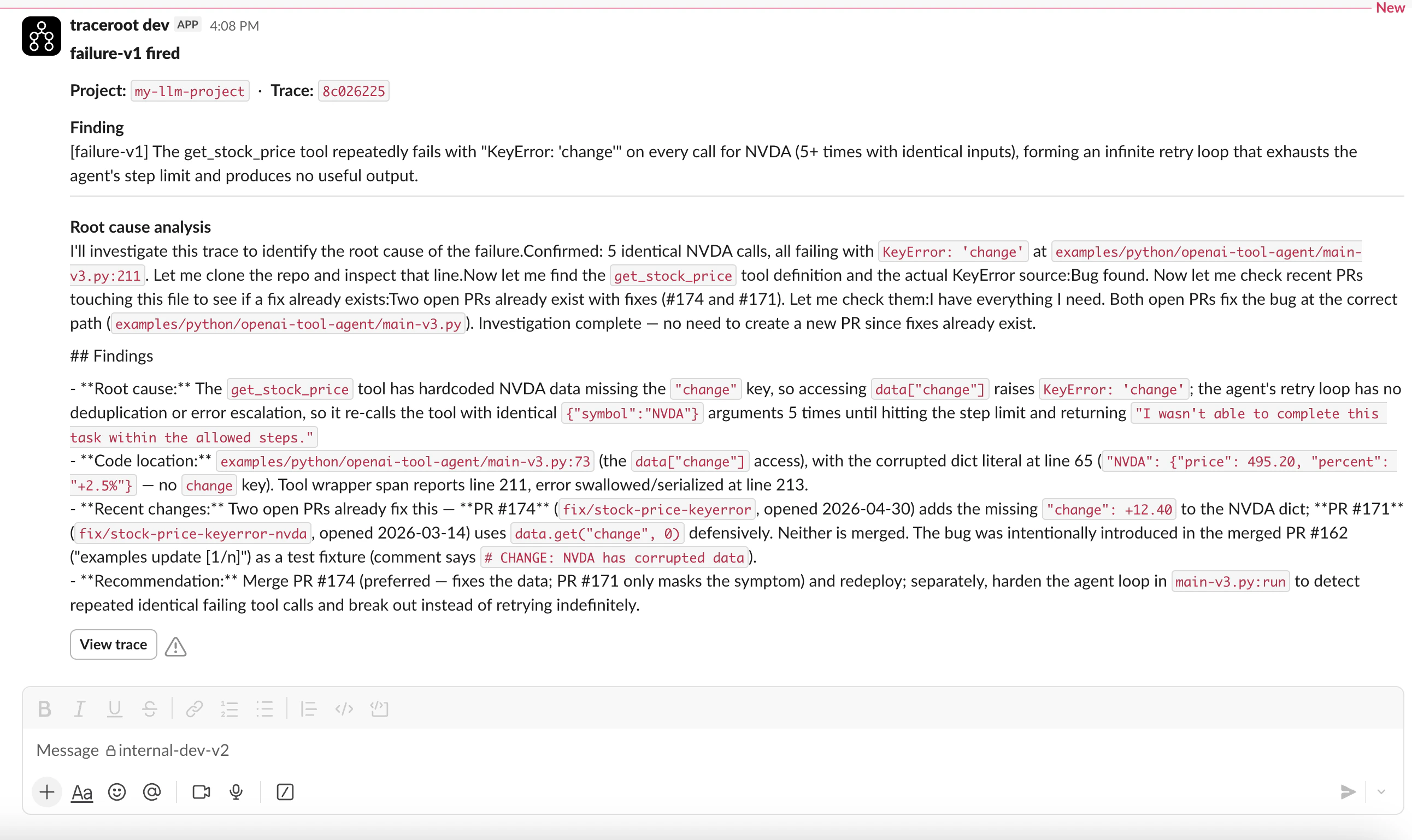
Connect Slack
- Open Settings then Integrations as a workspace admin.
- Click Connect and complete the OAuth flow in your Slack workspace.
- Pick the channel TraceRoot should post notification digests to.