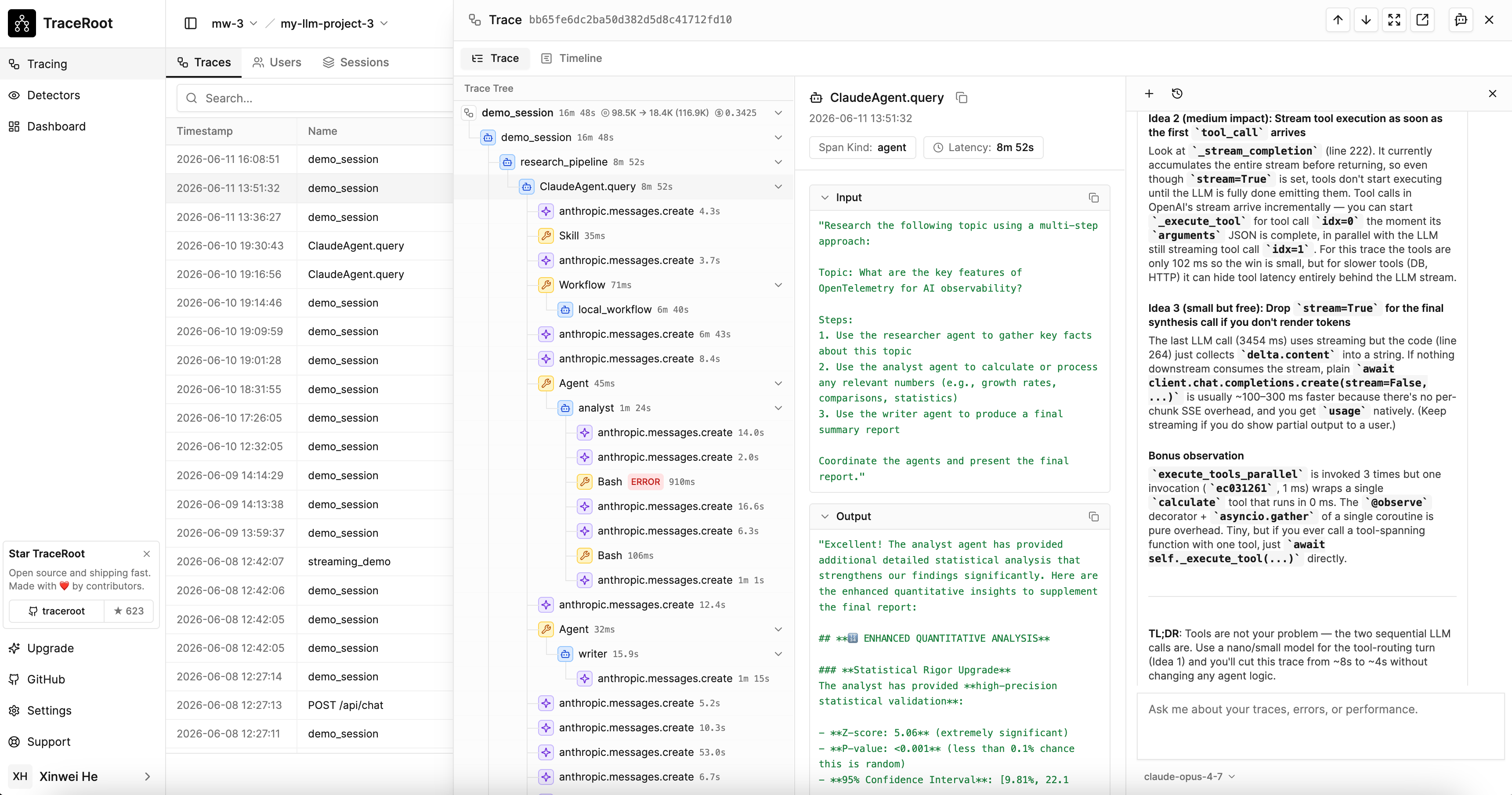
When a trace contains errors, the AI agent finds the root cause by looking at trace data, prod source code and GitHub activities. Requires setting up GitHub Integration.
TraceRoot AI agent performing root cause analysis on a failing trace

How It Works

  1. Examine the trace — reviews error spans, call hierarchy, input/output data, and timing
  2. Clone the repo — clones your repository at the relevant commit into an isolated sandbox
  3. Read the prod source code — reads the exact file and line captured in the span attributes
  4. Identify the root cause — correlates trace data with source code and explains what went wrong

Sandbox Isolation

The agent runs in a fully isolated sandbox — it can read trace data and clone your source code, but cannot access your production databases, APIs, or infrastructure.