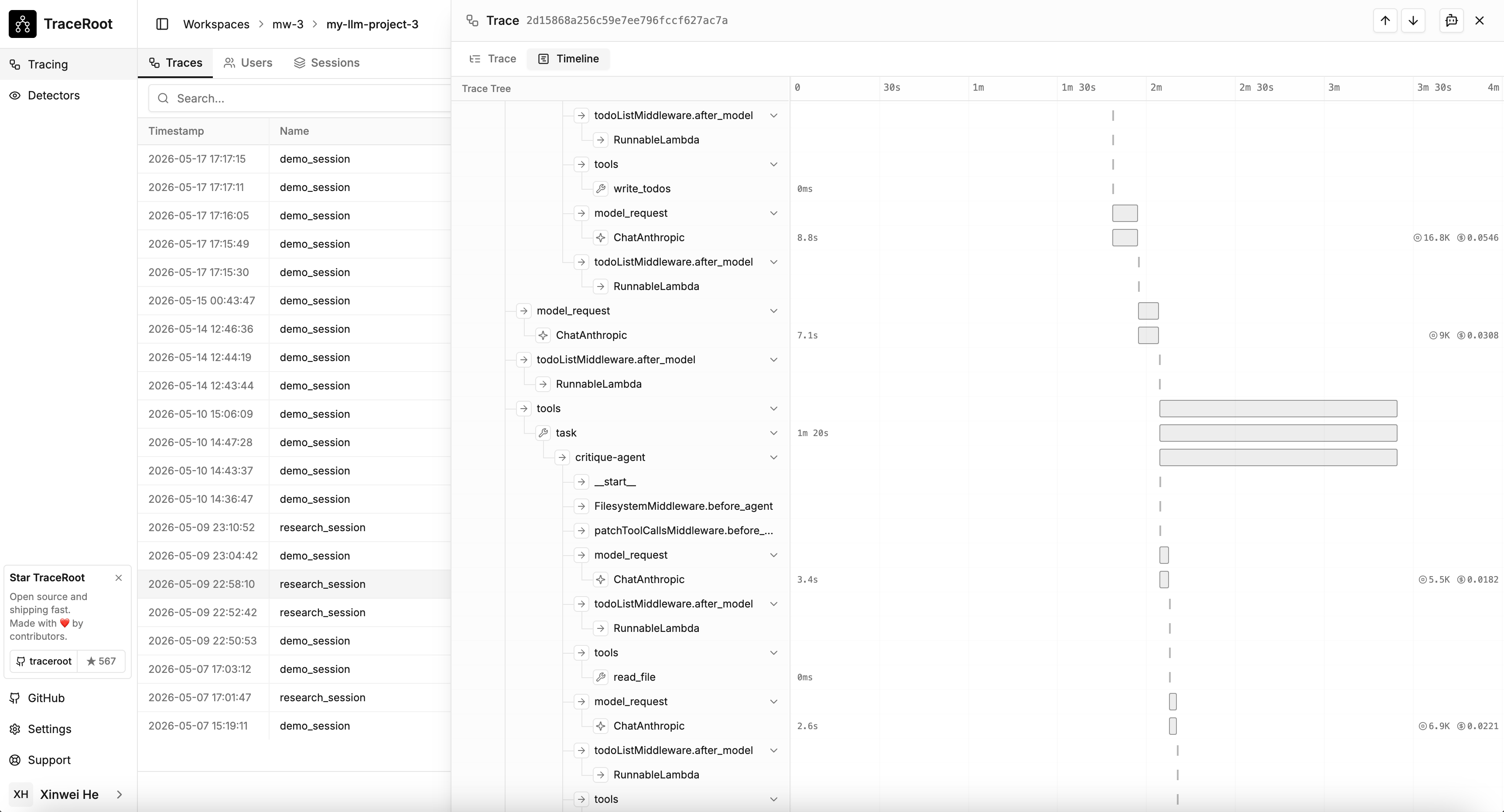
The trace viewer renders every trace as either a Trace view (hierarchical tree) or a Timeline view (Gantt-style bars). Both views share selection and collapse state.
TraceRoot trace viewer showing the Timeline view with span bars

Trace vs Timeline

Trace viewTimeline view
Call hierarchy and parent/child relationshipsSpan duration relative to siblings
Inspecting span attributes, inputs, outputsFinding the critical path or longest span
Navigating nested agent or tool callsChecking parallel vs serial execution

Toggling

Use the Trace / Timeline buttons in the trace viewer’s sub-header. Selection persists across the switch.

Click-to-select

Clicking a bar in the Timeline view selects the span and switches back to the Trace view, scrolling and expanding ancestors so the span is visible.